3.3 Log in & create token
Log in to SonarQube and create a token
- Open
http://<sonar-server-public-ip>(port 80). - Log in with
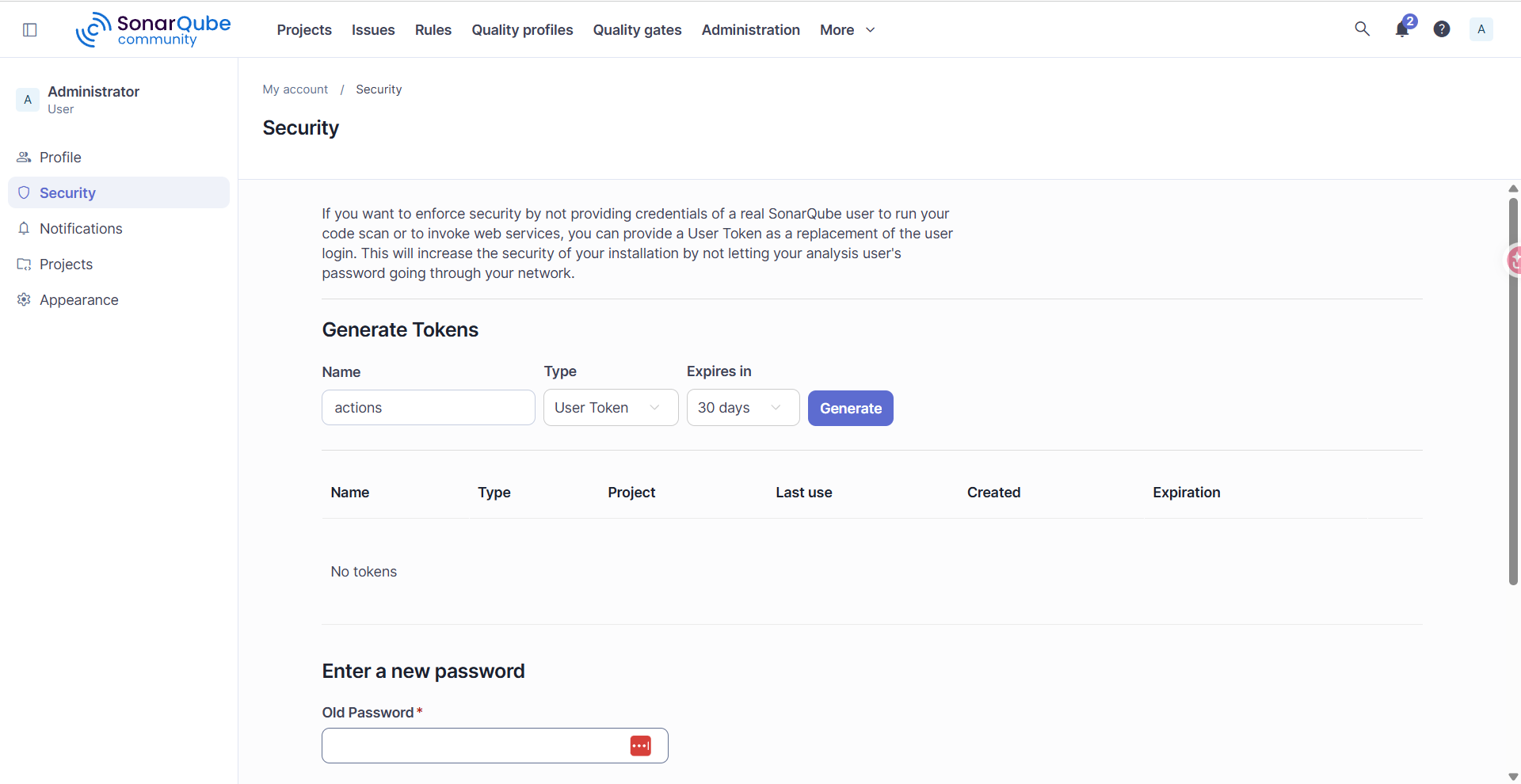
admin/admin, then change the password. - Create a token: Account -> My Account -> Security:
- Name:
actions, Type: User Token, Expires: 30 days -> Generate and save the token.
- Name:
This token (and the other keys) will be stored in GitHub Secrets in chapter 5.