4.3 Slack app & webhook
Create a Slack app and Incoming Webhook
Sign in to slack.com, create a workspace (e.g.
sentinel) or reuse one.Create channel
vprofile-actions(Private).Open api.slack.com/apps -> Create New App -> From scratch (name
vpro-act-notifications), pick the workspace -> Create app.Incoming Webhooks -> Activate.
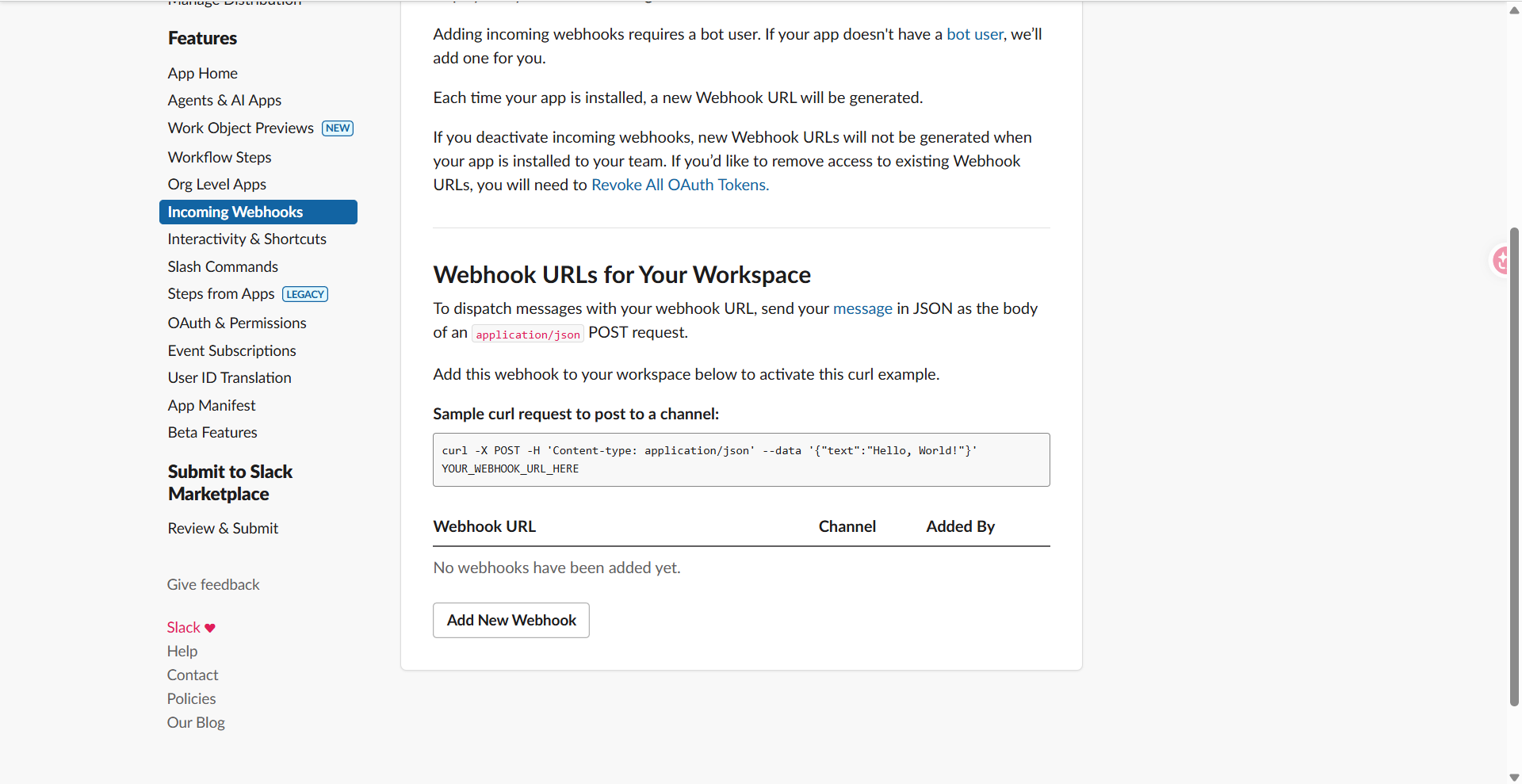
Add New Webhook to Workspace -> choose channel
vprofile-actions-> Allow.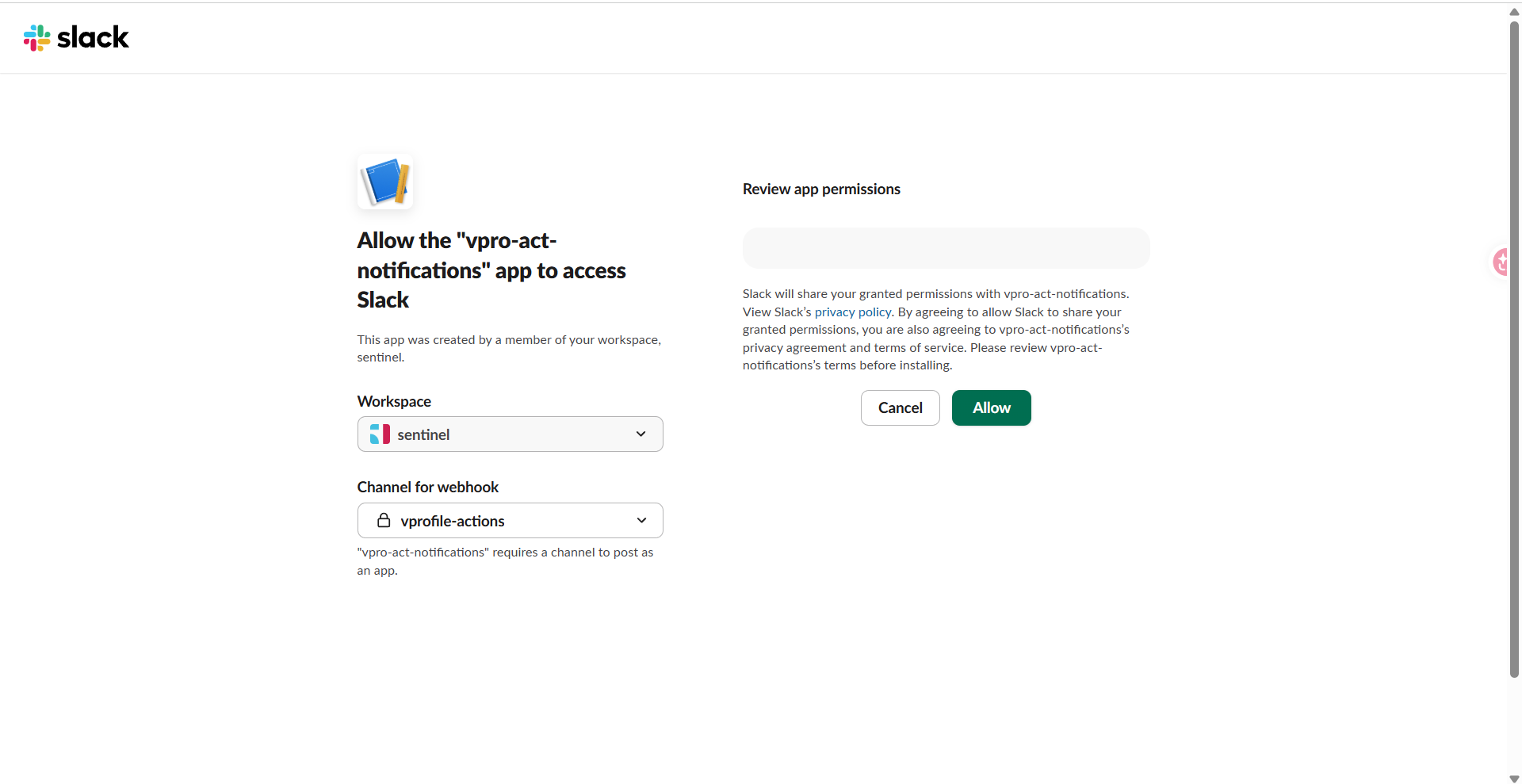
Copy the Webhook URL and save it. Test:
curl -X POST -H 'Content-type: application/json' \
  --data '{"text":"Hello, World!"}' <YOUR_SLACK_WEBHOOK_URL>